Run two versions of a skill side by side, split the traffic between them, read the results and conclude the test.
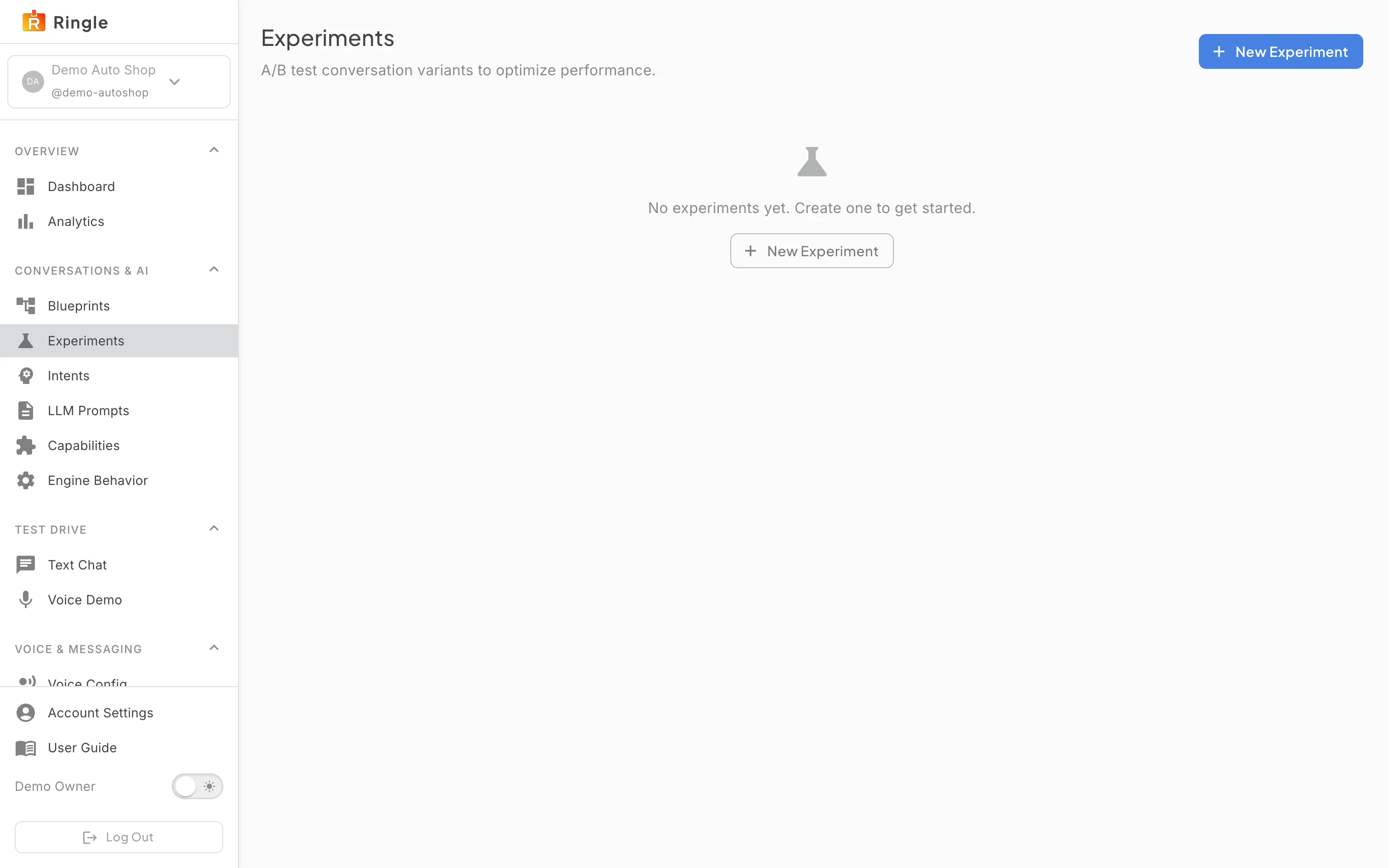
Action: Open A/B tests under Conversations & AI, or go to https://portal.merrows.ai/settings/experiments.
What you should see: The page lists your tests with their state, or says “No A/B tests yet” with a New A/B test button.
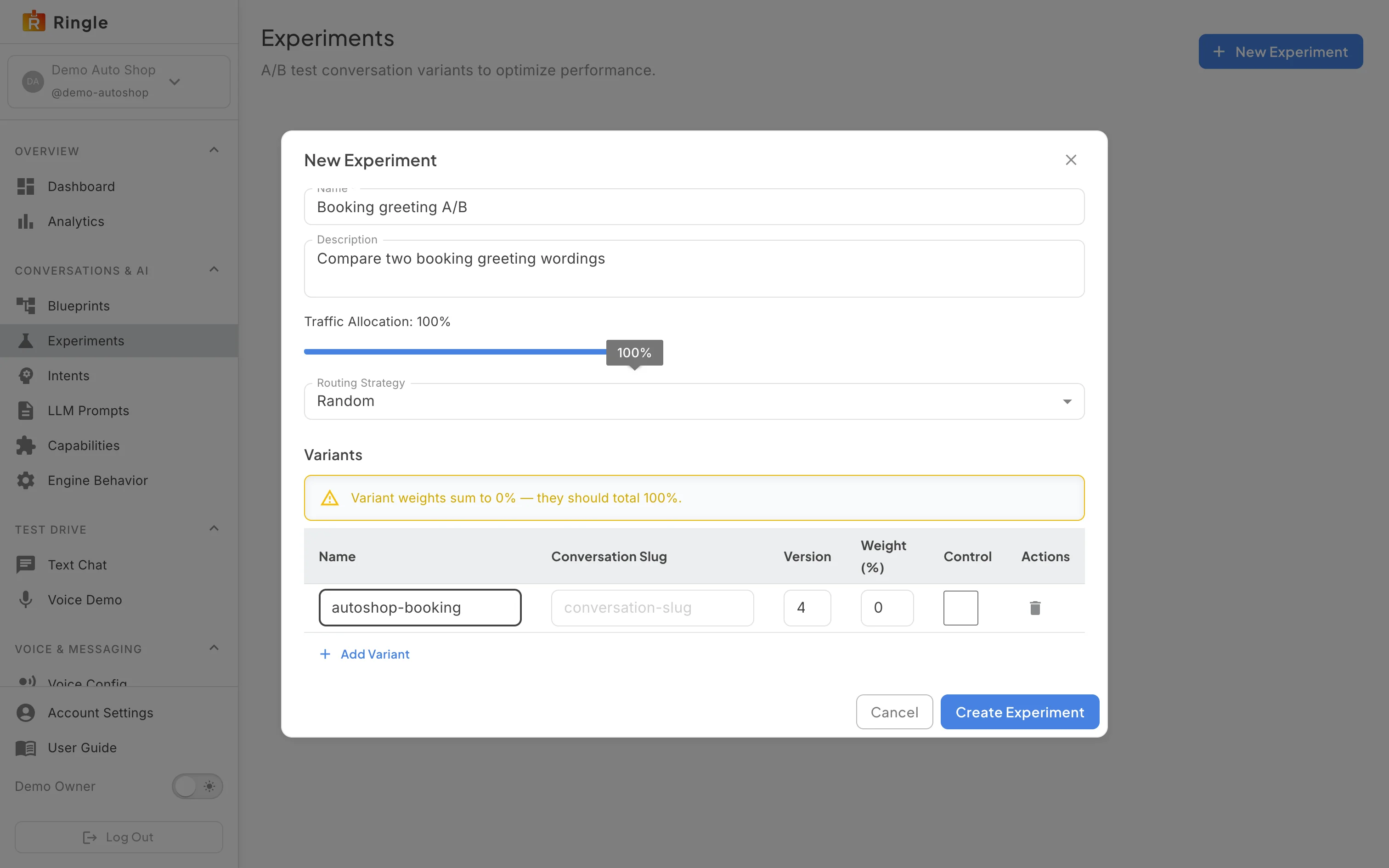
Action: Click New A/B test and fill in the form.
What you should see: The “New A/B test” dialog asks for a Name and Description, the Traffic Allocation (the share of conversations that enter the test, 100% by default), the Routing Strategy (Random), and a Variants table where Add Variant adds a row with the variant’s name, the conversation slug and version it runs, its weight in percent, and whether it is the control. The weights must add up to 100 before Create A/B test is accepted.
Screenshot not available (the documentation business runs no A/B test; a test’s detail page exists only once one is created and started)
Action: Open the test you created.
What you should see: The detail page shows each variant with its weight and a link to edit that variant’s conversation in the editor, and the results as conversations come in: how many customers each variant saw and how the outcomes compare. A draft test sends no traffic until you start it.
Screenshot not available (concluding a test changes which version customers hear, so none was run for this guide)
Action: Click Conclude on a running test.
What you should see: A dialog asks which variant wins. Concluding stops the split and makes the winner the live version of the skill; the losing variant is kept for reference. Cancel leaves the test running.