Let your AI employee answer the email your customers send: set the address it replies from, forward your support mailbox to it, and read the conversations in the inbox.
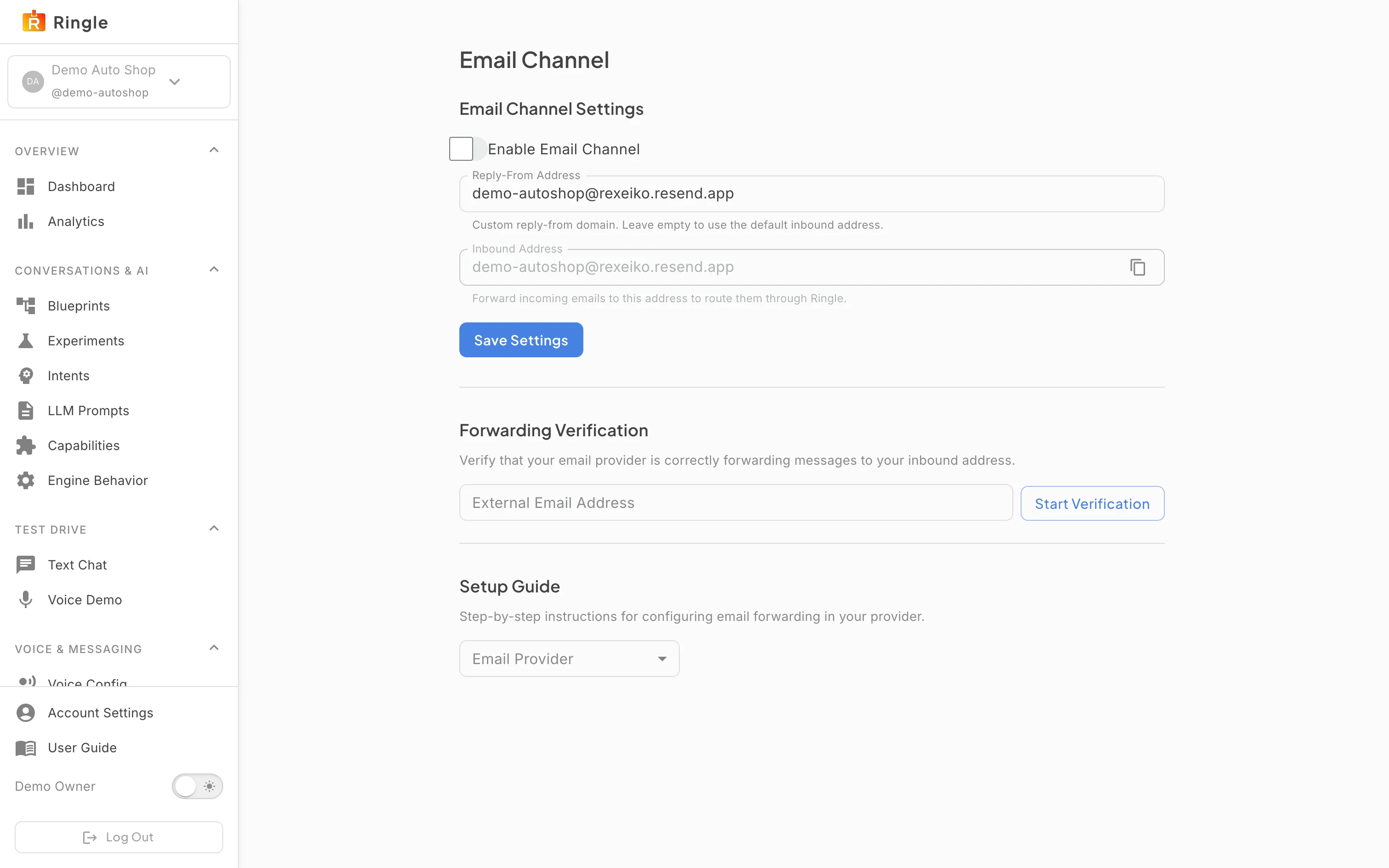
Action: Open Email Setup under Voice & Messaging, or go to https://portal.merrows.ai/settings/email-channel.
What you should see: Settings has an Enable Email Channel switch, the Reply-From Address your customers see, and the business’s Inbound Address on mail.merrows.ai with a Copy button. A notice says the channel does not run until a reply-from address is saved.
Action: Type the reply-from address, tick Enable Email Channel and click Save Settings.
What you should see: The notice clears and the channel is on. Replies come from your Merrows address until a domain of your own is verified below.
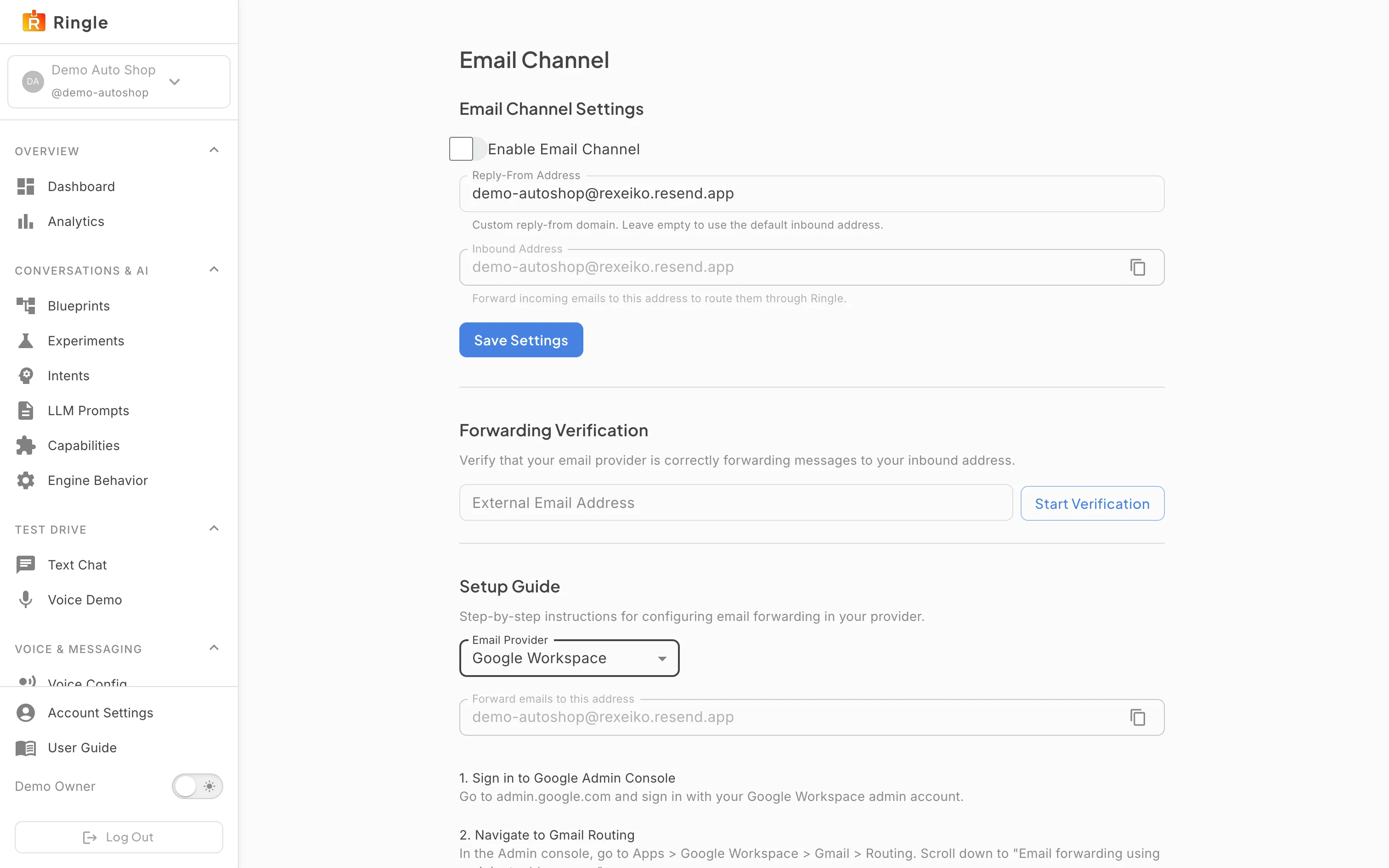
Action: Forward your support mailbox to the inbound address, then use Forwarding Verification: type the external address and click Start Verification.
What you should see: Merrows sends a message to that address; when it arrives through your forwarding, the check passes. The Setup Guide below picks your provider and shows the forwarding steps for it. On Google Workspace, follow the “Answer your Google Workspace email” guide.
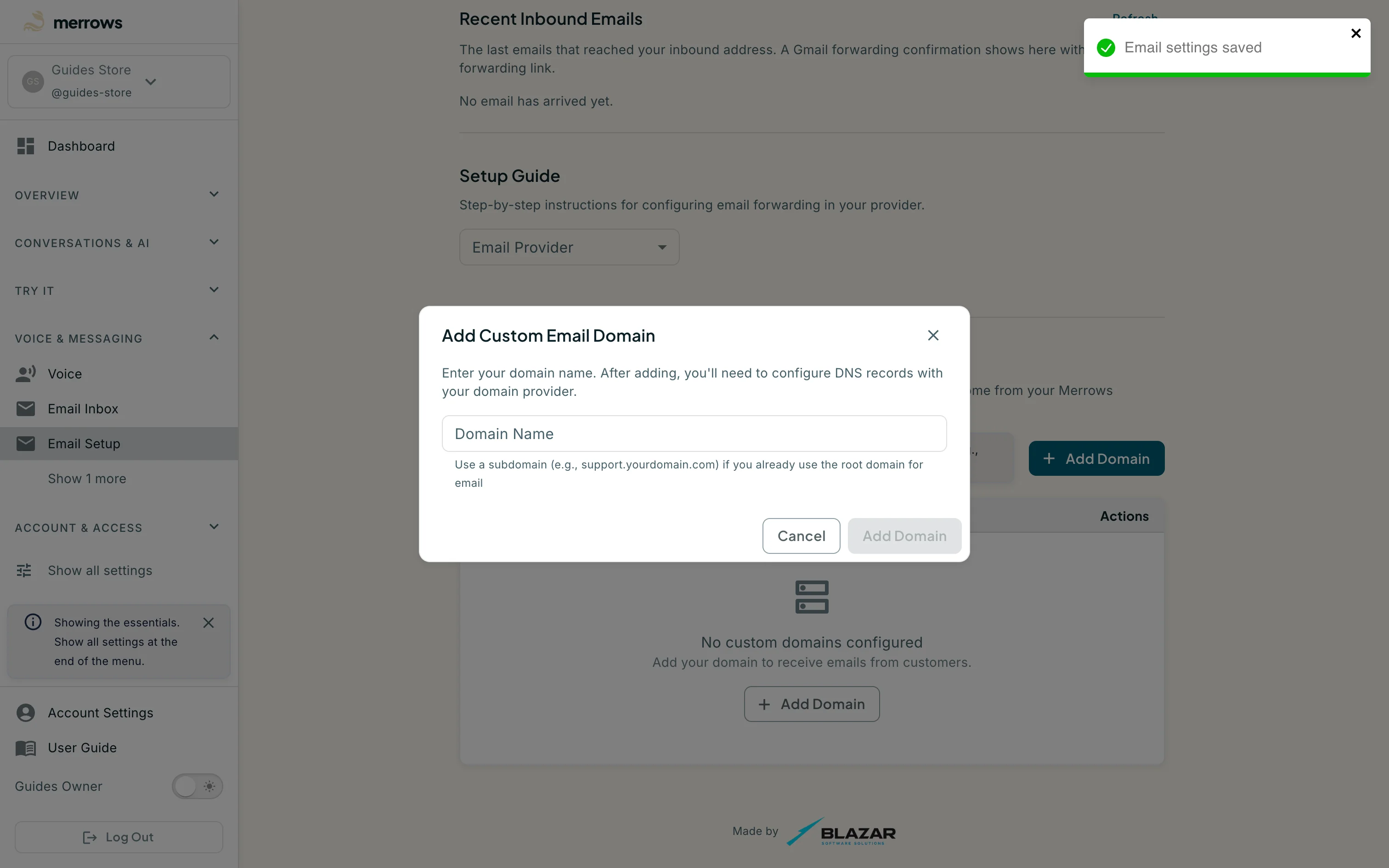
Action: Under Email Domains, click Add Domain to reply from an address on your own domain.
What you should see: A dialog takes the domain and lists the DNS records to add. Once verified, the reply-from address can be on that domain, for example support@yourbusiness.com.
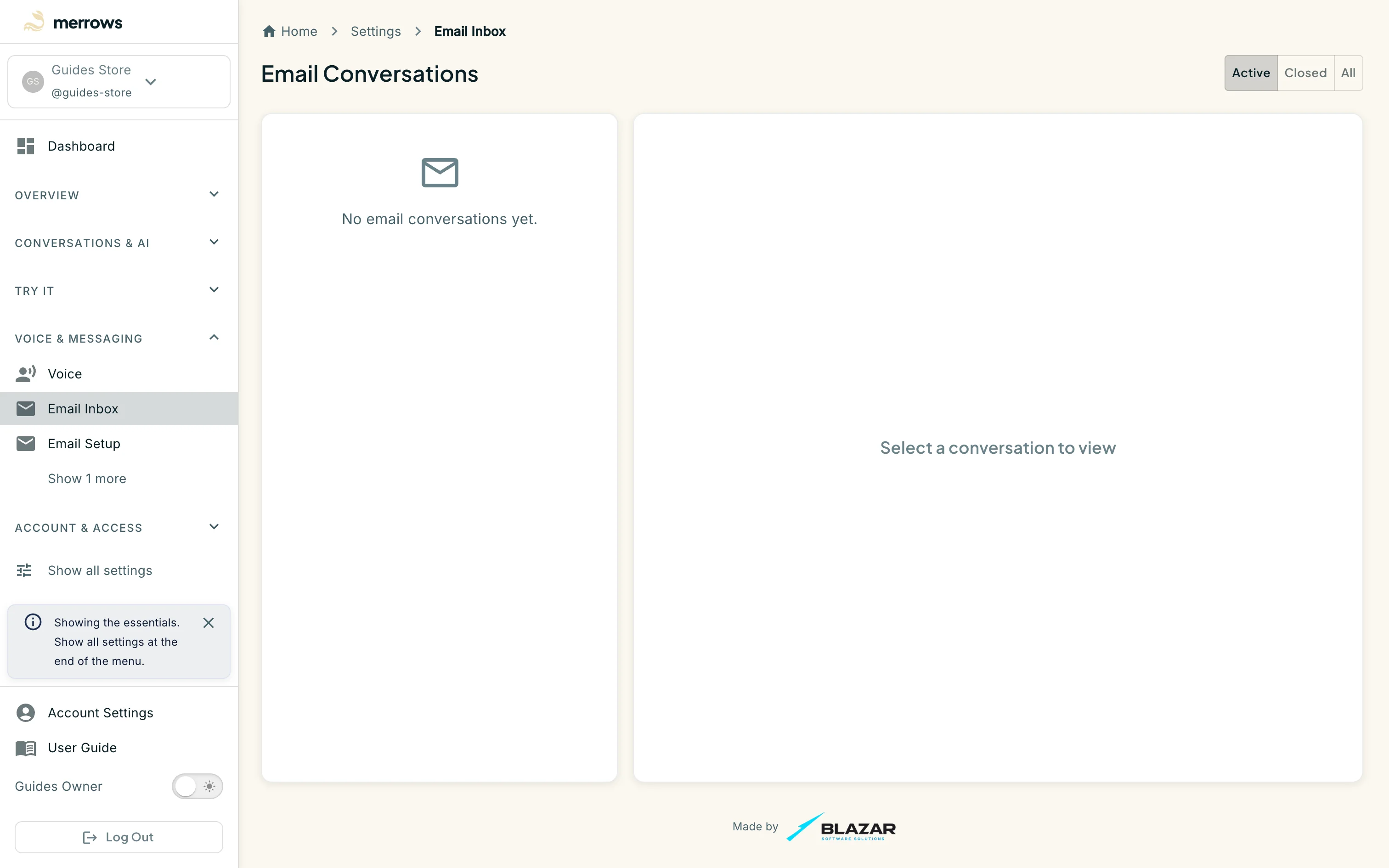
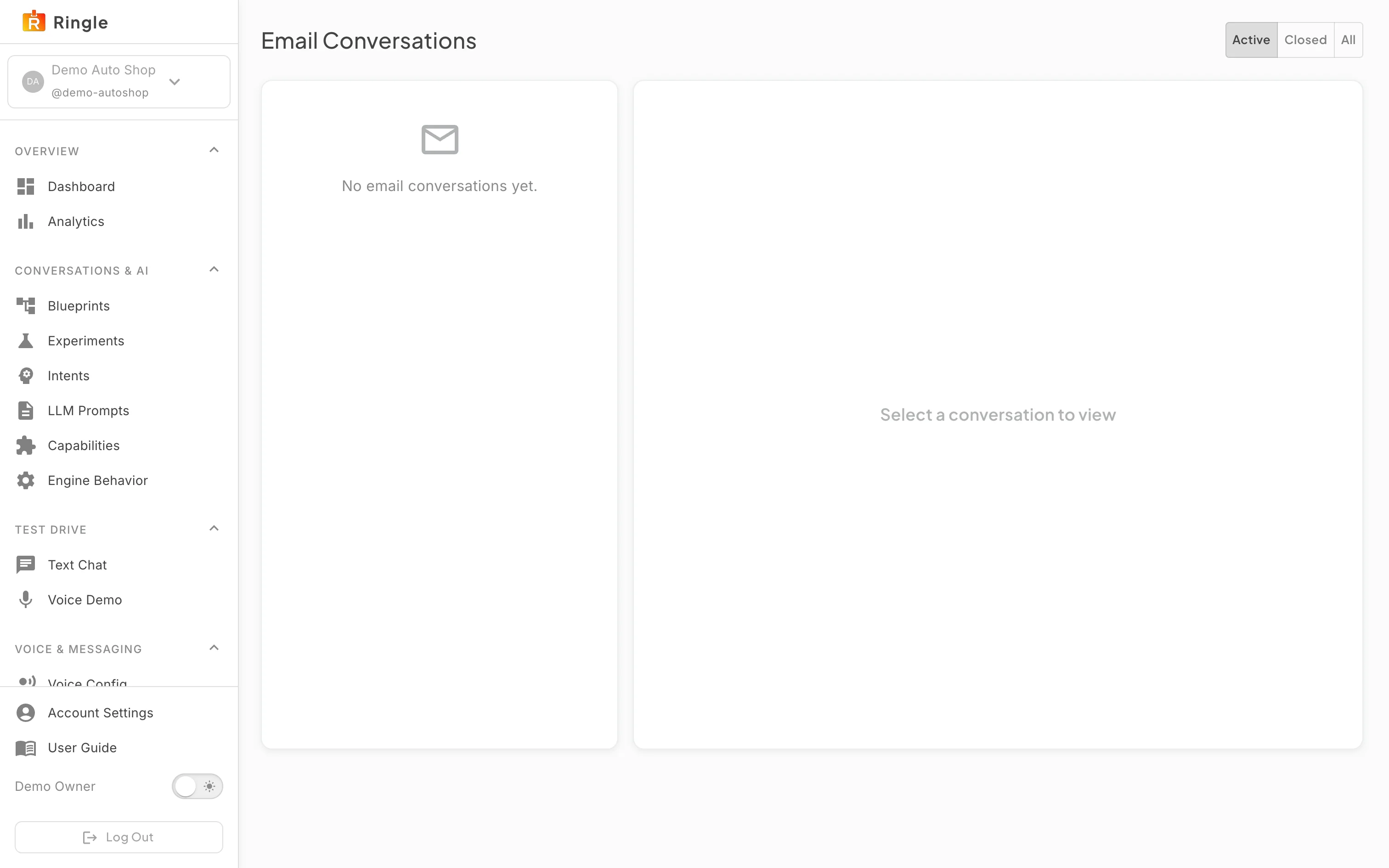
Action: Open Email Inbox under Voice & Messaging, or go to https://portal.merrows.ai/settings/email-conversations.
What you should see: Every email conversation, newest first, with the customer, the subject, the state and the last message. Open one to read the thread: the customer’s message, the assistant’s reply and anything your team added. A conversation the assistant could not finish is marked for hand-off.