Review every conversation your demo workspace has run. Filter the session history by date, outcome, channel or language, and open any session to read its transcript.
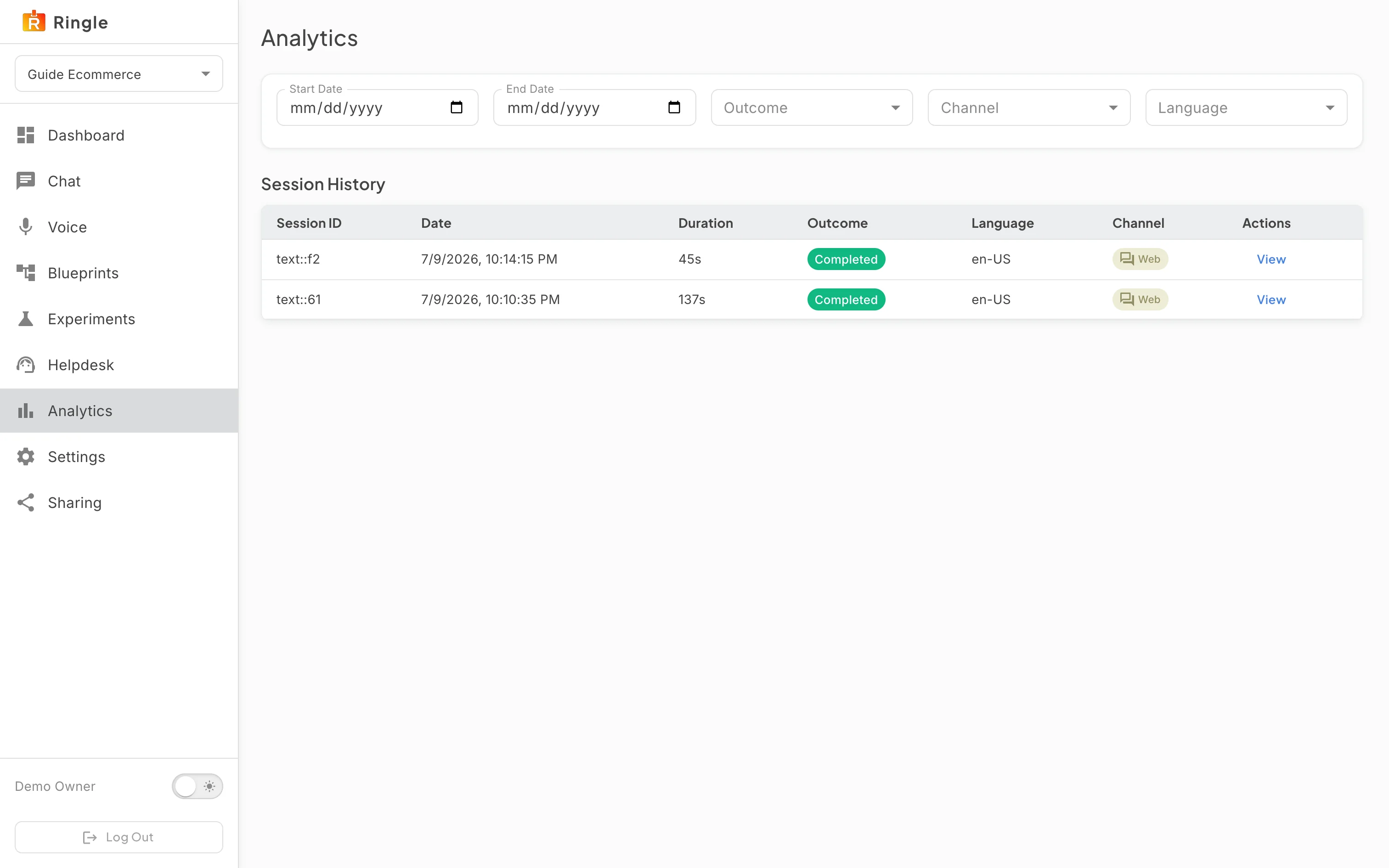
Action: Click Analytics in the workspace sidebar.
What you should see: The page has Start Date and End Date pickers and Outcome, Channel and Language filters above a Session History table. Each row shows when it ran, its duration, its outcome, its language, its channel and a View button. Sessions run by guests through a share link are listed with the rest.
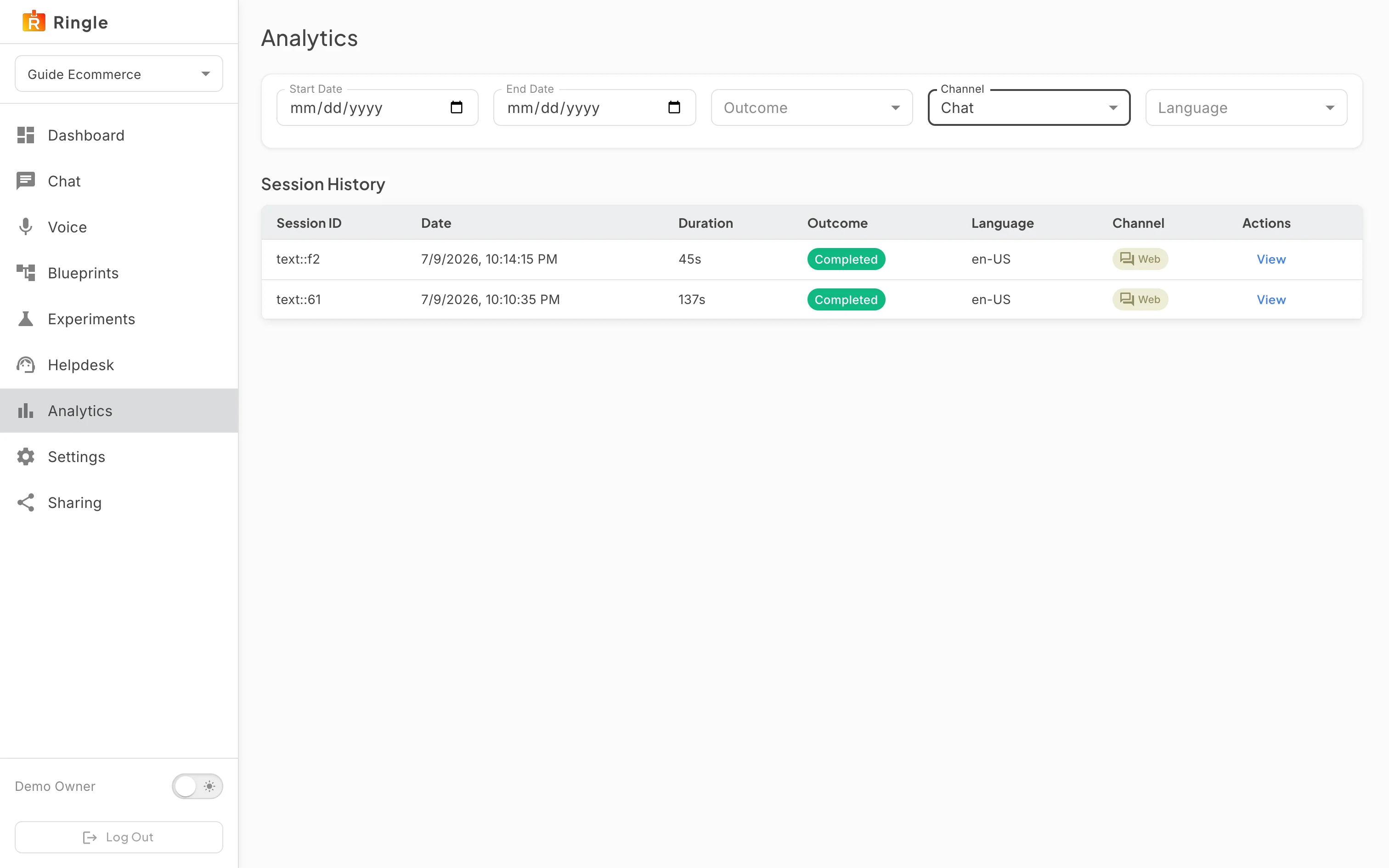
Action: Open the Channel filter and pick Chat.
What you should see: The channels offered are Inbound Phone, Chat, SMS and Email; a producer’s test sessions from the Voice page are listed as Chat, since they run through the same engine. Share link guests use chat only, so a prospect’s voice conversations are the Inbound Phone calls to the demo’s number. Outcome narrows by how the conversation ended, Language by the language it ran in, and the date pickers bound the period. The filters combine. Clear a filter to widen the list again.
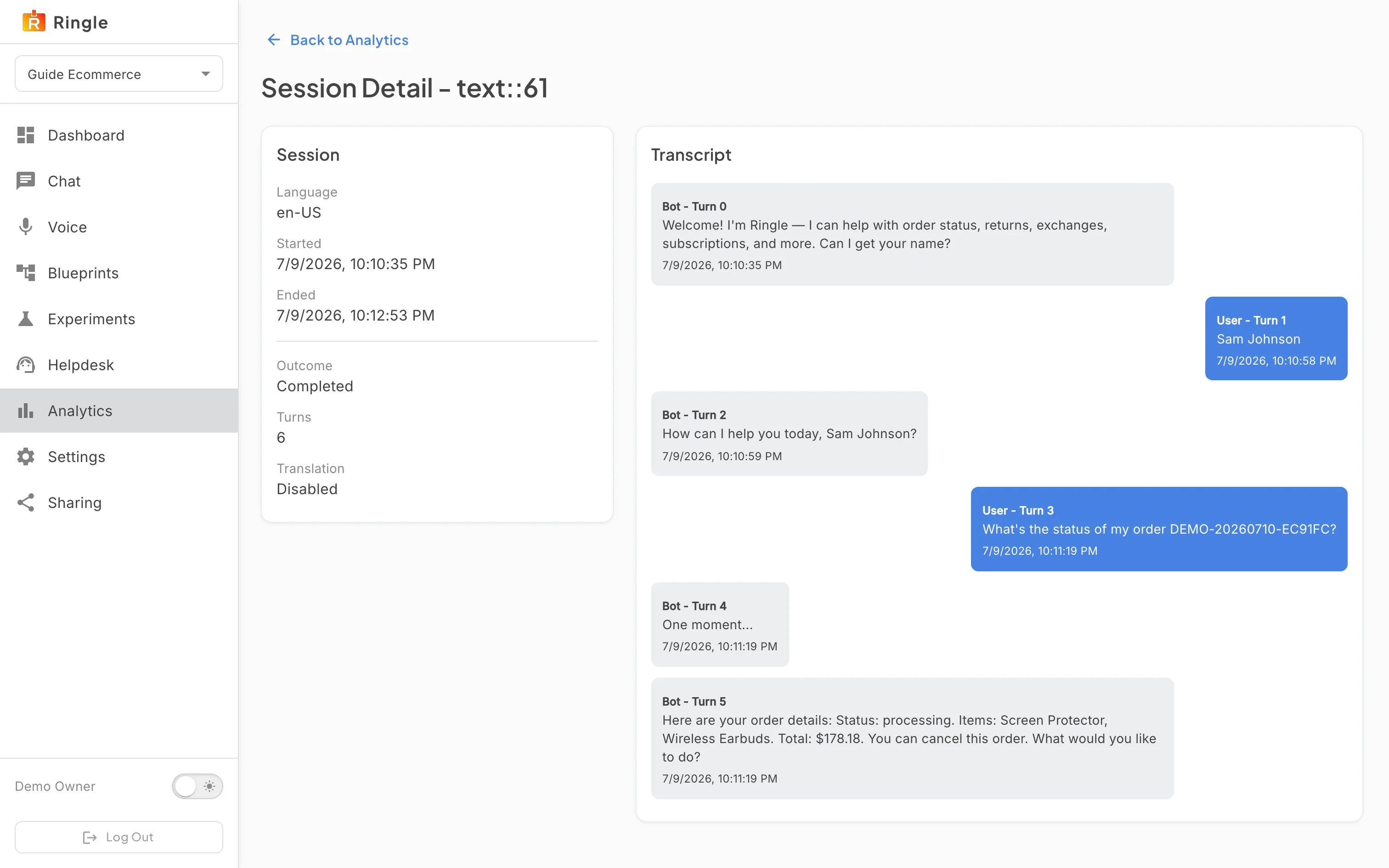
Action: Click View on a session.
What you should see: The Session Detail page shows a Session card with the language, the start and end times, the outcome, the number of turns and whether translation was on, beside the full transcript with the assistant’s lines and the customer’s lines in order. “Back to Analytics” returns to the table with the filters you set. The session id is in the page address, so a transcript can be bookmarked or shared with another member.